Table of Contents
Clock In #
Common POS · Shared procedures for retail, restaurant, and salon devices. Button availability follows your device configuration and permissions. Red numbered boxes identify the controls used in each step.
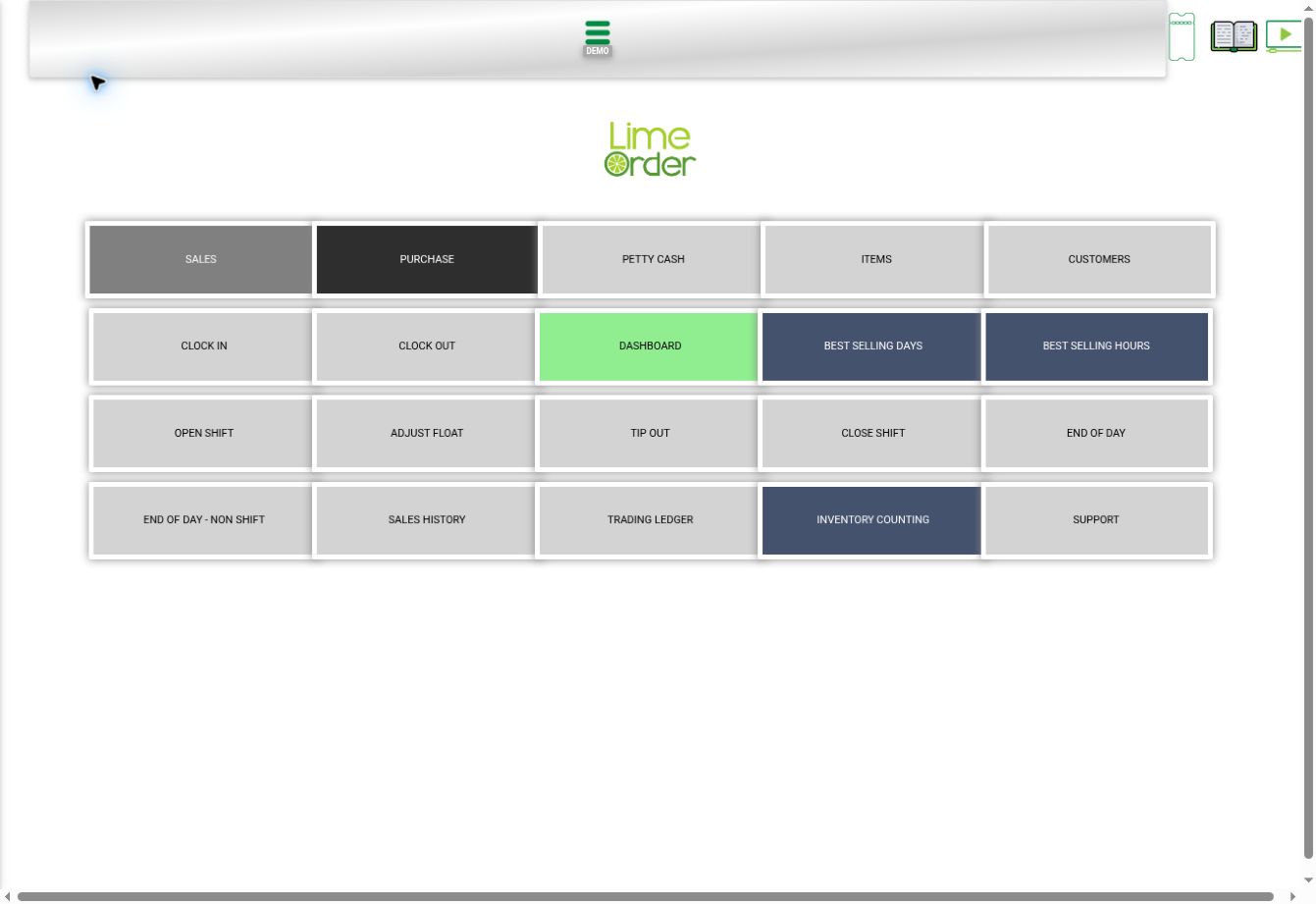
1. Open Home and press CLOCK IN #
Go to Home through the side menu, then press CLOCK IN.
 1
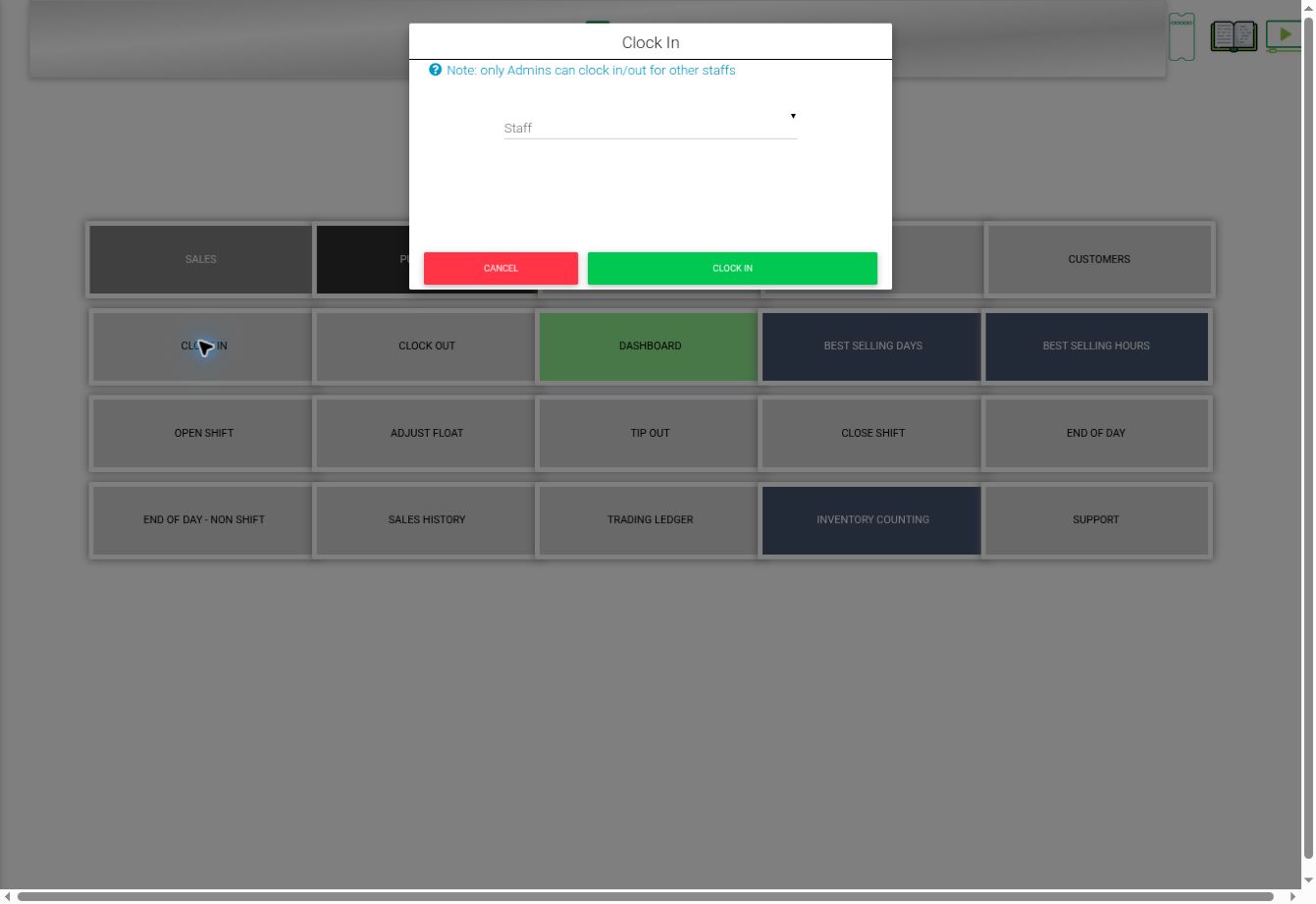
12. Review Staff and press CLOCK IN #
The Clock In dialog opens. Select the intended staff member when applicable, then press CLOCK IN to record attendance. The dialog states that only admins can clock in/out for other staff. CANCEL leaves without submitting.
 234
234Check the result #
Check the application’s response before assuming attendance was recorded. No attendance event was submitted during capture.