Table of Contents
Order Details and Receipt Tools #
Common POS · Shared procedures for retail, restaurant, and salon devices. Button availability follows your device configuration and permissions. Red numbered boxes identify the controls used in each step.
1. Press MISC #
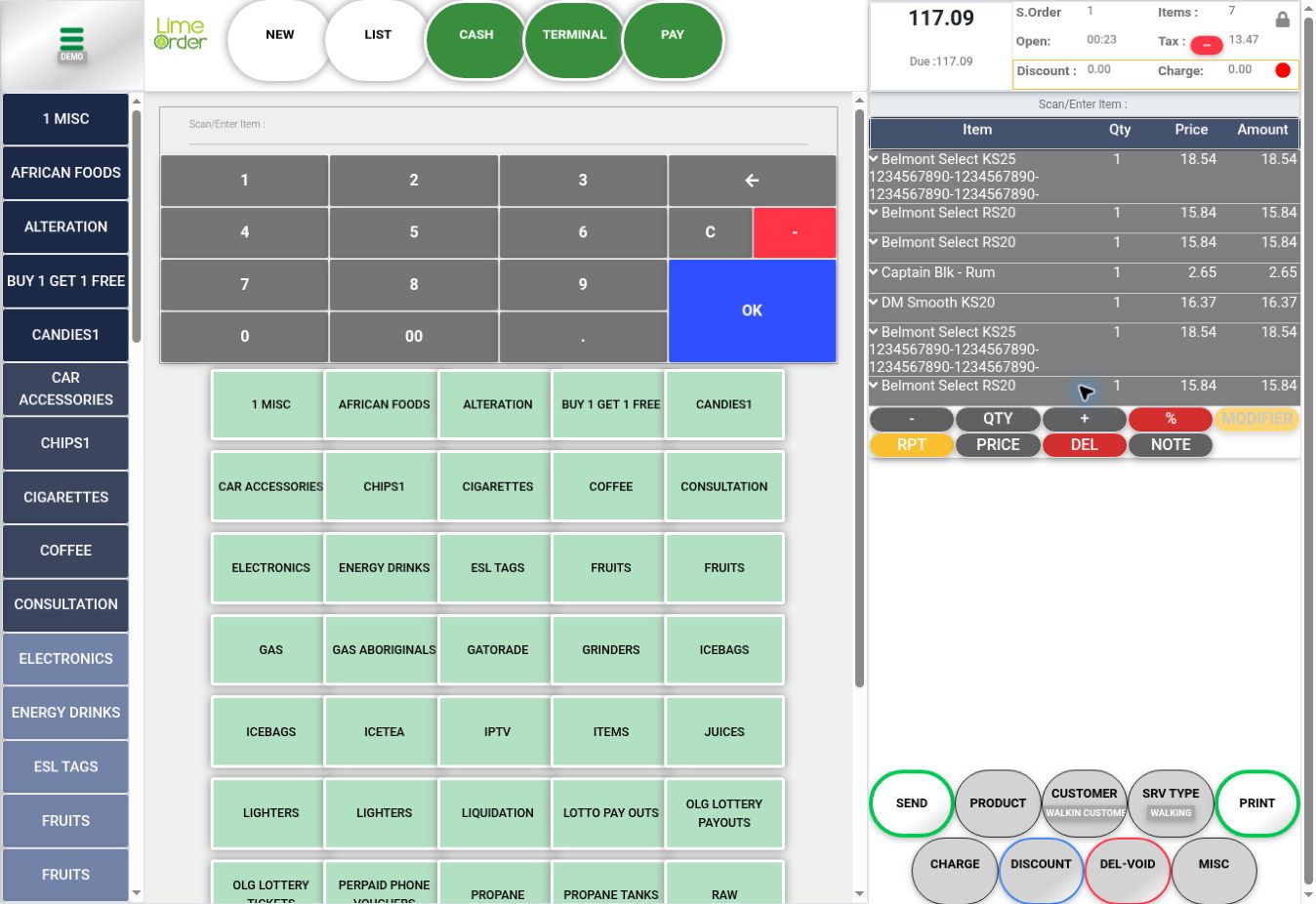
On Sales, press MISC below the basket.
 1
12. Review references and comments #
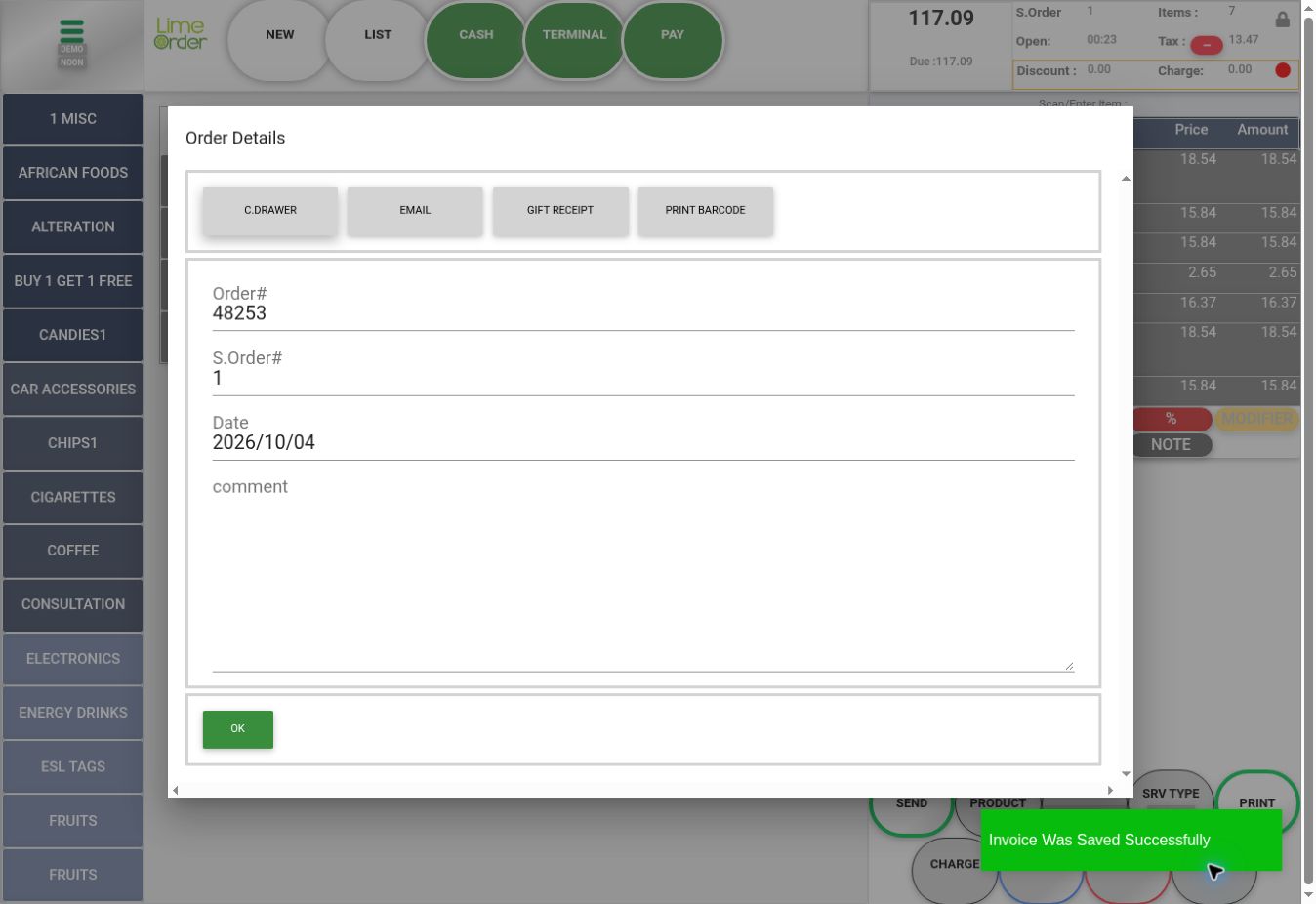
Order Details shows Order#, S.Order#, Date, and Comment. Check references before entering a comment. C.Drawer, Email, Gift Receipt, and Print Barcode are separate tools in this dialog.
 2
2Check the result #
Check the intended order before using a receipt or drawer tool. Opening MISC saved the inspected invoice before payment.