Table of Contents
Common POS — Start Here #
Start with these shared procedures before the Retail, Restaurant, or Salon workflow. Each article names the button to press, marks it with a red number, and shows the next form. The screenshots use the retail demonstration device; vertical configuration can change available products, tenders, and controls.
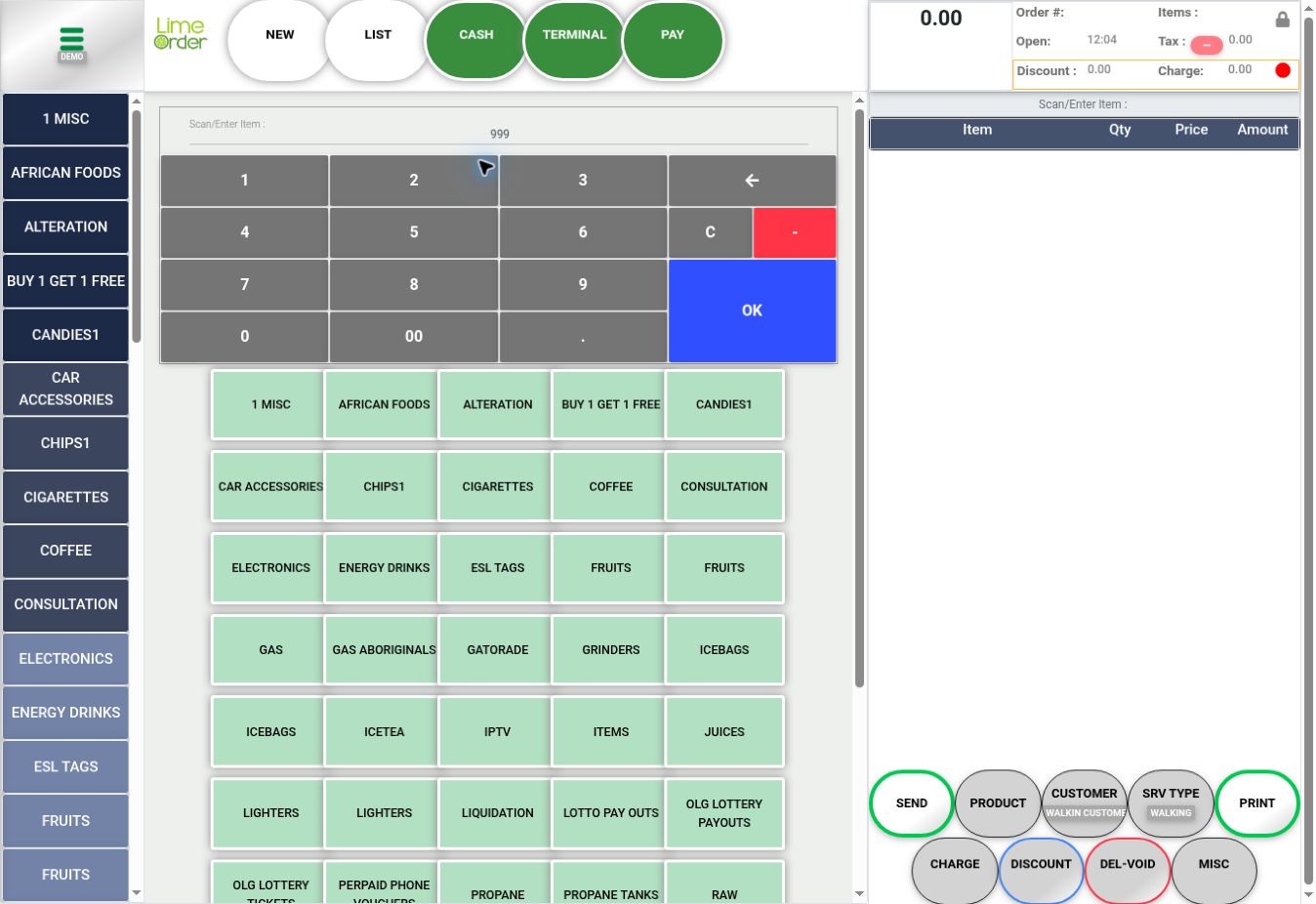 1234
1234Navigation and invoices #
- Open the Side Menu and Home
- Start and Review an Invoice
- Add Items by Barcode or Product Search
- Change an Item Quantity
- Delete an Item from an Invoice
- Change an Item Price
- Add a Note to an Item
- Open the Invoice List and Change Filters
Customers #
Discounts and payments #
- Apply an Invoice Discount
- Apply an Invoice Surcharge
- Open PAY and Record a Payment
- Delete a Recorded Payment
- Delete an Invoice After Removing Its Payments
- Order Details and Receipt Tools
- Find an Invoice for a Sales Return
Daily operations and reports #
- Open a Shift
- Close a Shift
- Clock In
- Clock Out
- Run an End of Day Report
- Dashboard and Accounting Report