Table of Contents
Recommended setup order #
POS Admin • Screenshots show example records. Select any screenshot to enlarge it.
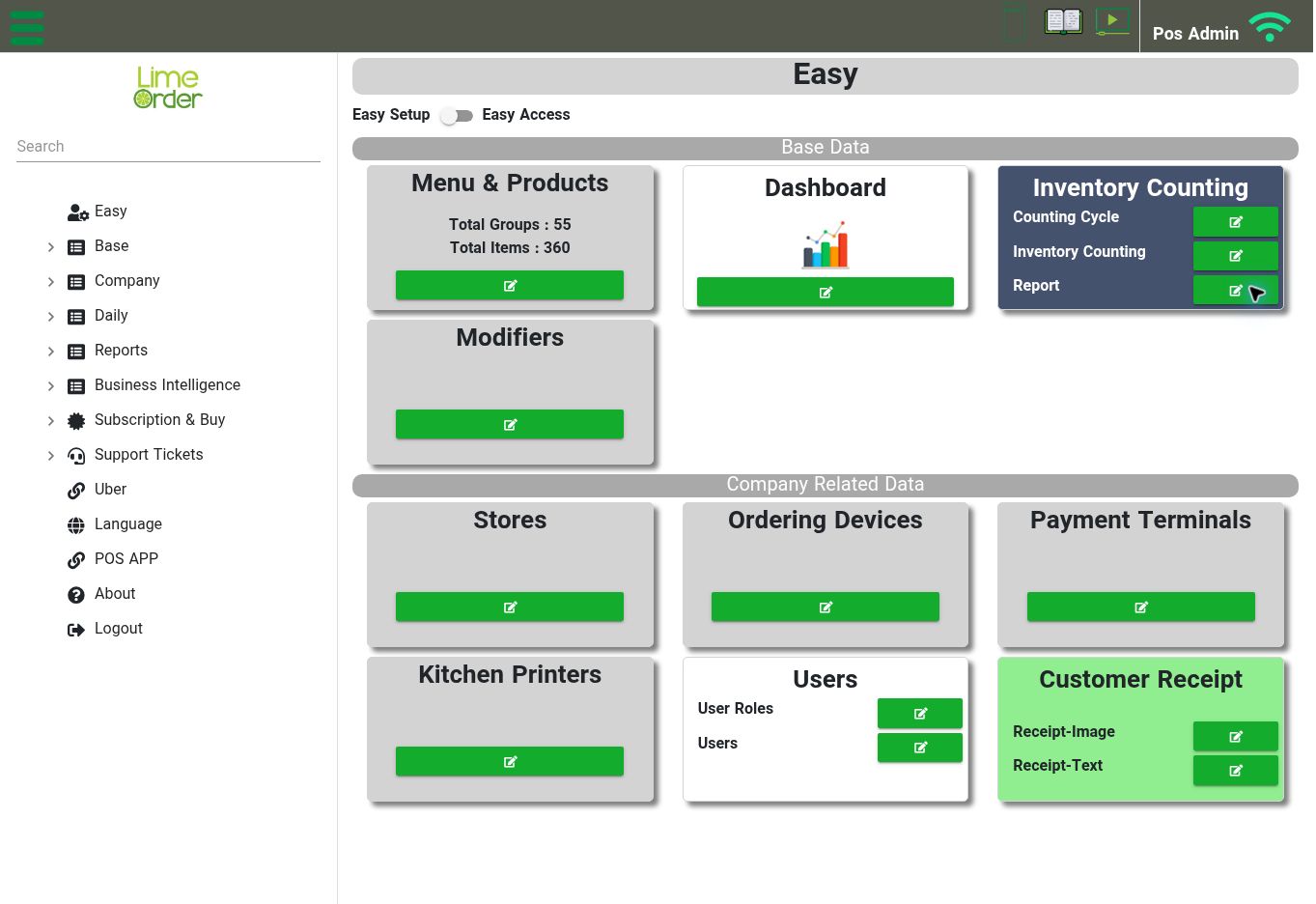
Easy Setup brings the main setup shortcuts together in one place. View full-size screenshot
Use this sequence when preparing a store. It helps establish the settings that later screens reference.
- Review the store name, time zone, contact details, and default tax set.
- Review tax configuration and any exemptions.
- Create product groups, then add products with their prices and units.
- For food service, create modifier choices and attach the relevant modifier groups to products.
- Define kitchen printer records and assign products to their Kitchen Printer/KDS destination.
- Review ordering devices and their store assignments.
- Set up user roles, then assign each user the appropriate role and location access.
- Review POS settings and customer receipt text.
- Check the resulting product, modifier, tax, and receipt behaviour in your configured POS before normal trading.