Find an Invoice for a Sales Return #
Common POS · Shared procedures for retail, restaurant, and salon devices. Button availability follows your device configuration and permissions. Red numbered boxes identify the controls used in each step.
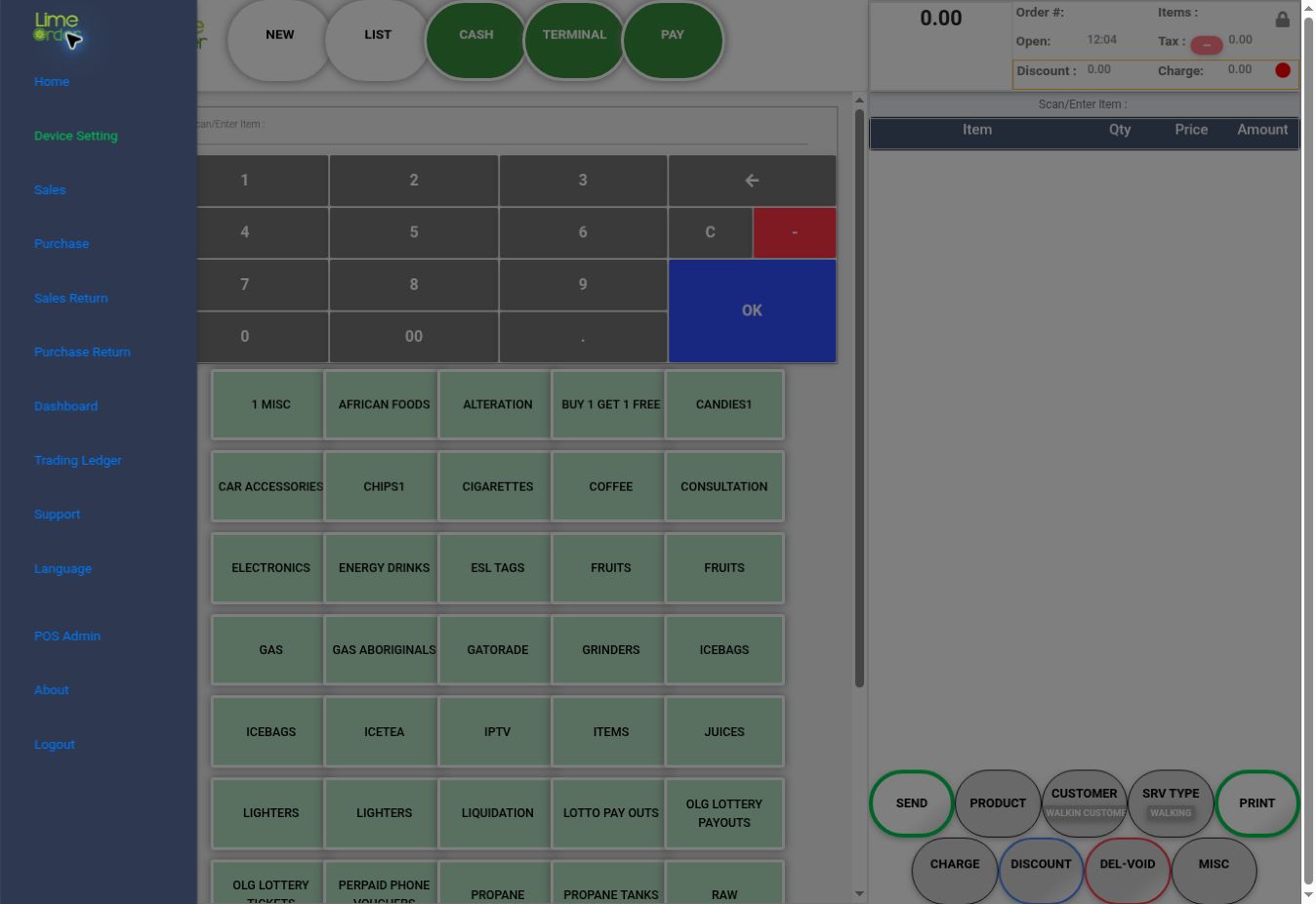
1. Open the side menu and choose Sales Return #
Press the three-bar menu, then Sales Return.
 1
12. Set the search filters #
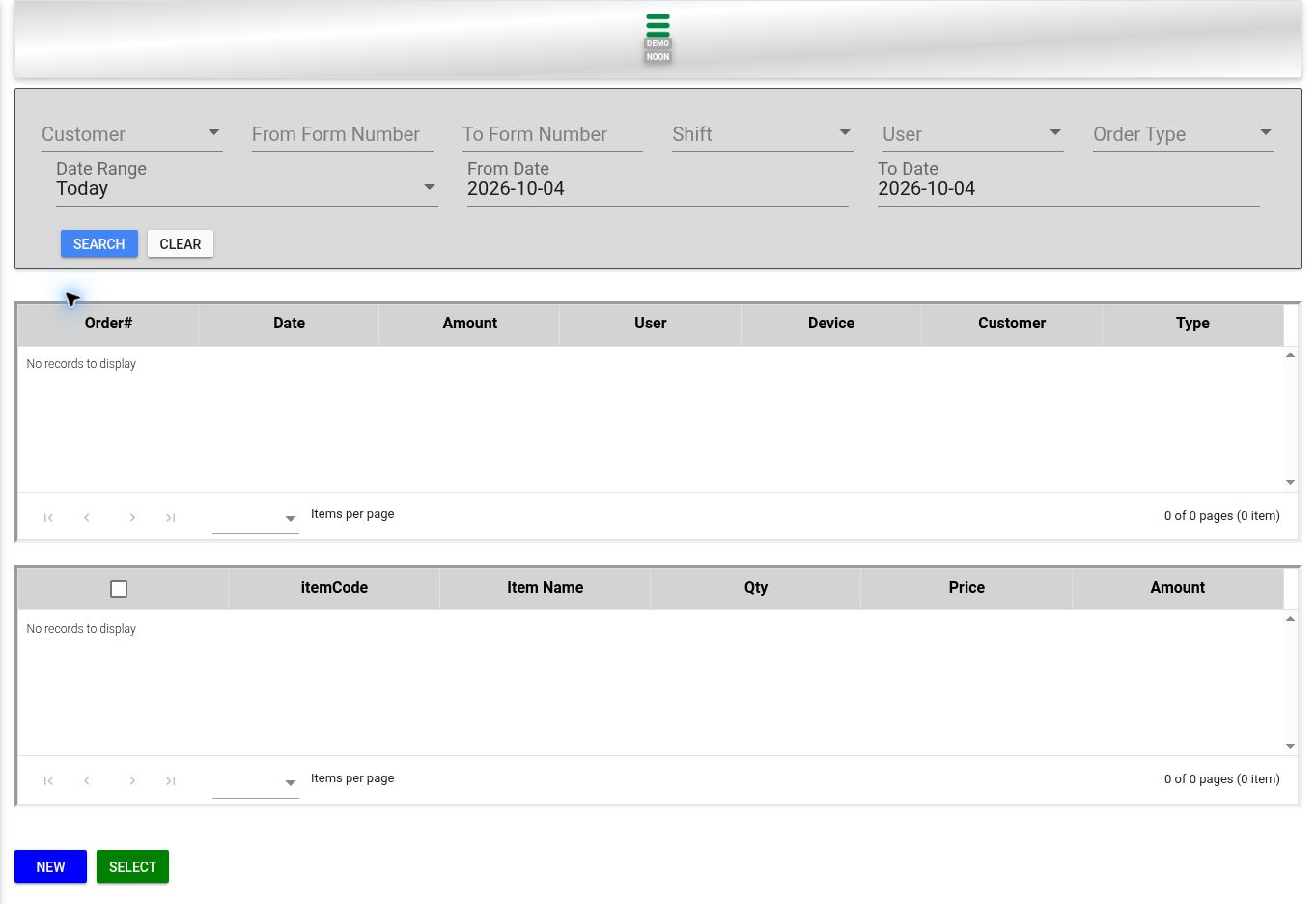
Choose Customer, From / To Form Number, Shift, User, Order Type, and Date Range as needed. Review From Date and To Date, then press SEARCH. CLEAR resets the filters.
 23
233. Review order and item results #
Check the upper order list and lower item list. The lower grid includes itemCode, Item Name, Qty, Price, and Amount. Select intended items and use SELECT to proceed through your store’s return workflow; NEW is a separate return entry point.
34Check the result #
Verify the original invoice and quantities before a refund. This guide shows the search and selection workspace, not a completed refund.