Table of Contents
Delete an Item from an Invoice #
Common POS · Shared procedures for retail, restaurant, and salon devices. Button availability follows your device configuration and permissions. Red numbered boxes identify the controls used in each step.
1. Select the item to remove #
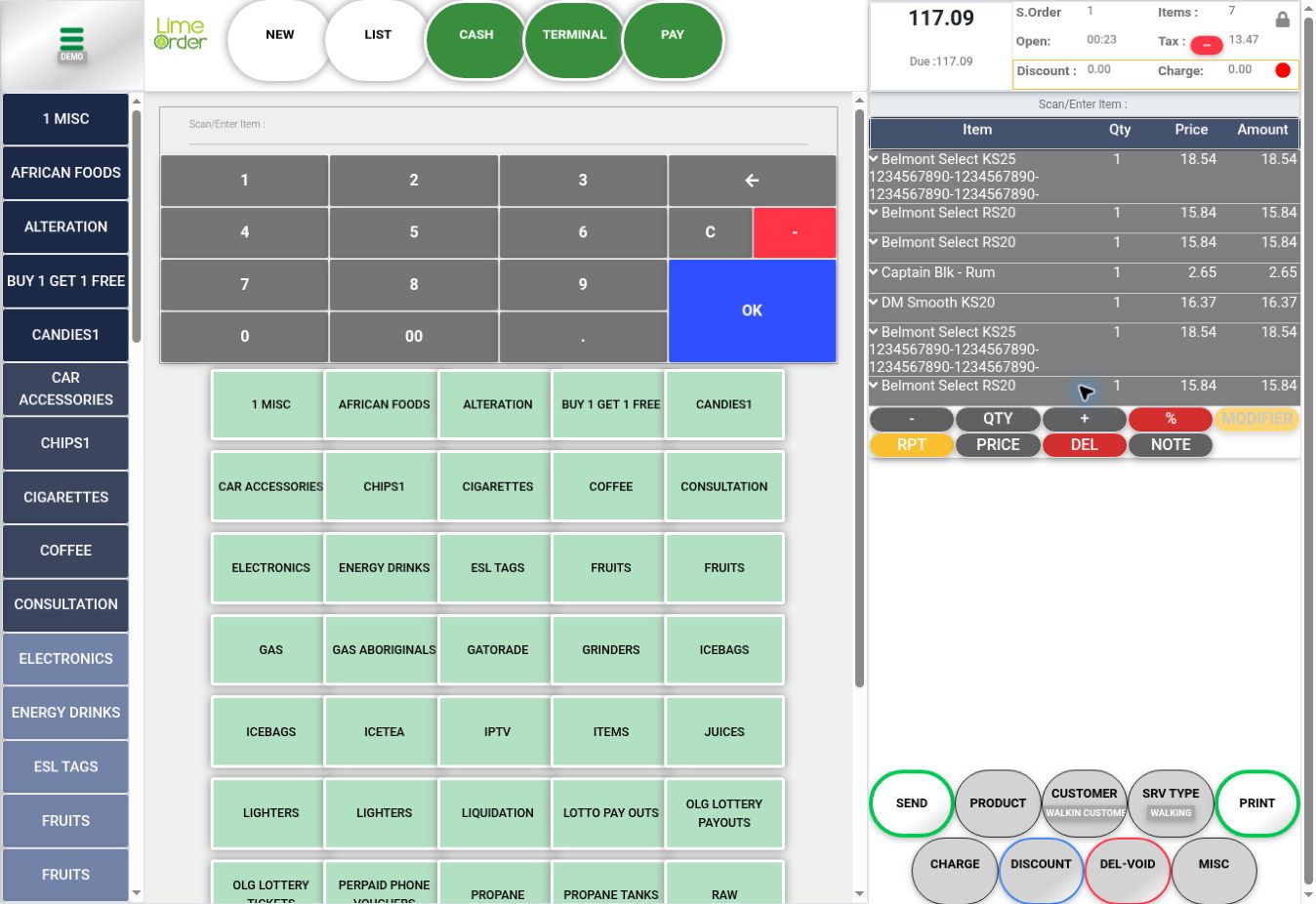
Read the item name and press its basket row to reveal the line controls.
 1
12. Press the line’s DEL #
Press the red DEL on that expanded line. If a confirmation is shown, read it and confirm only the intended item. Use the line DEL for an item; the bottom DEL–VOID control is for the invoice workflow.
2Check the result #
Verify that the intended line is removed and the remaining quantities, totals, and Amount Due are correct. The illustration identifies the control before deletion; no item was deleted while capturing it.