Table of Contents
Prices and price levels #
POS Admin • Screenshots show example records. Select any screenshot to enlarge it.
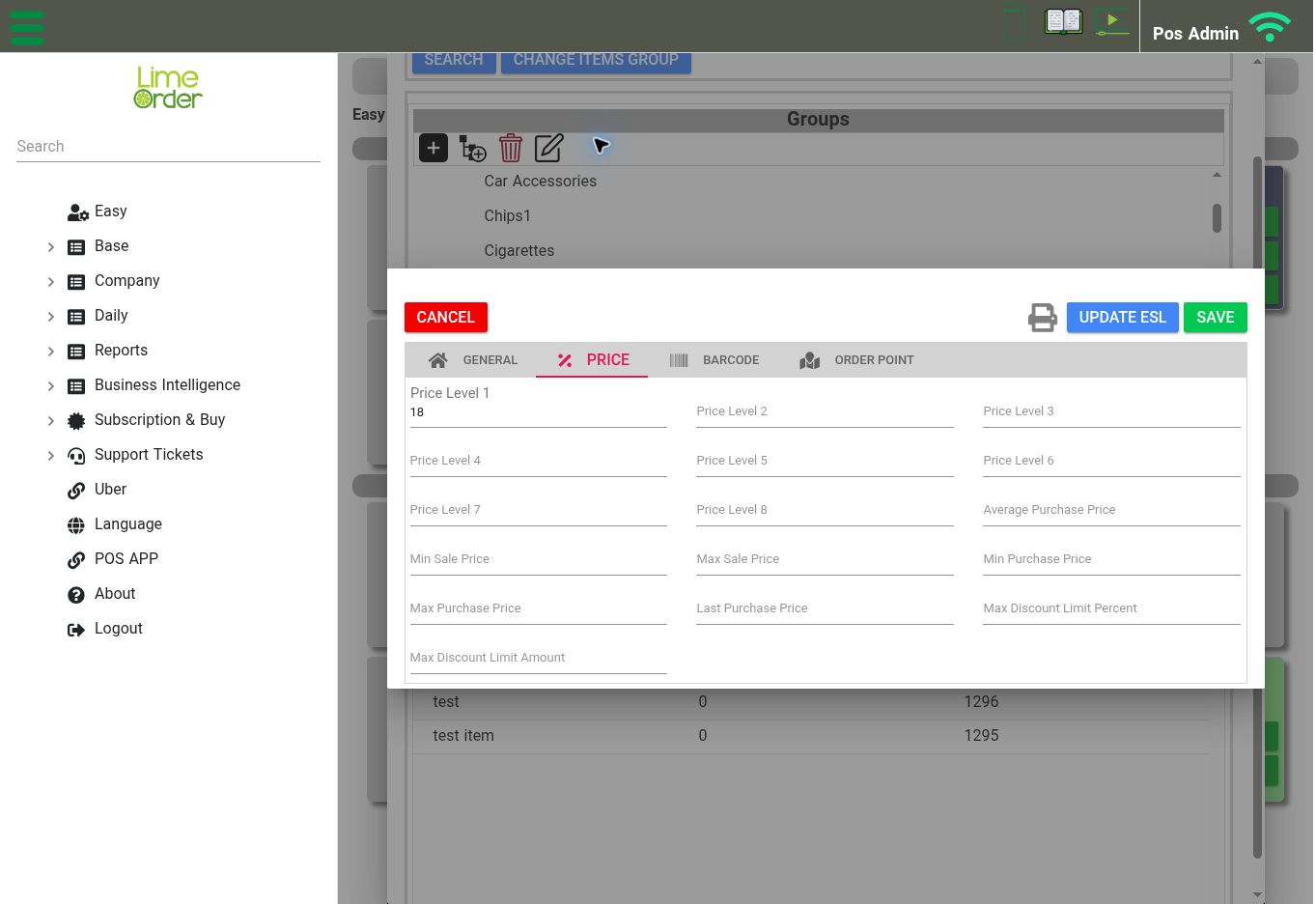
The item’s Price tab contains price levels, purchase prices, and discount limits. View full-size screenshot
Open an item → Price tab
The Price tab provides Price Level 1 through Price Level 8. It also displays fields for Average Purchase Price, minimum/maximum sale and purchase prices, Last Purchase Price, and maximum discount limits by percentage and amount.
- Open the intended item and select Price.
- Review or enter the relevant selling price levels.
- Review the applicable price and discount limits.
- Select Save.
The POS’s Price To Offer In Order setting is under Company → Settings → POS Settings. Check this setting when the POS displays a different price level from the one you expected.