Table of Contents
Troubleshooting and support #
POS Admin • Screenshots show example records. Select any screenshot to enlarge it.
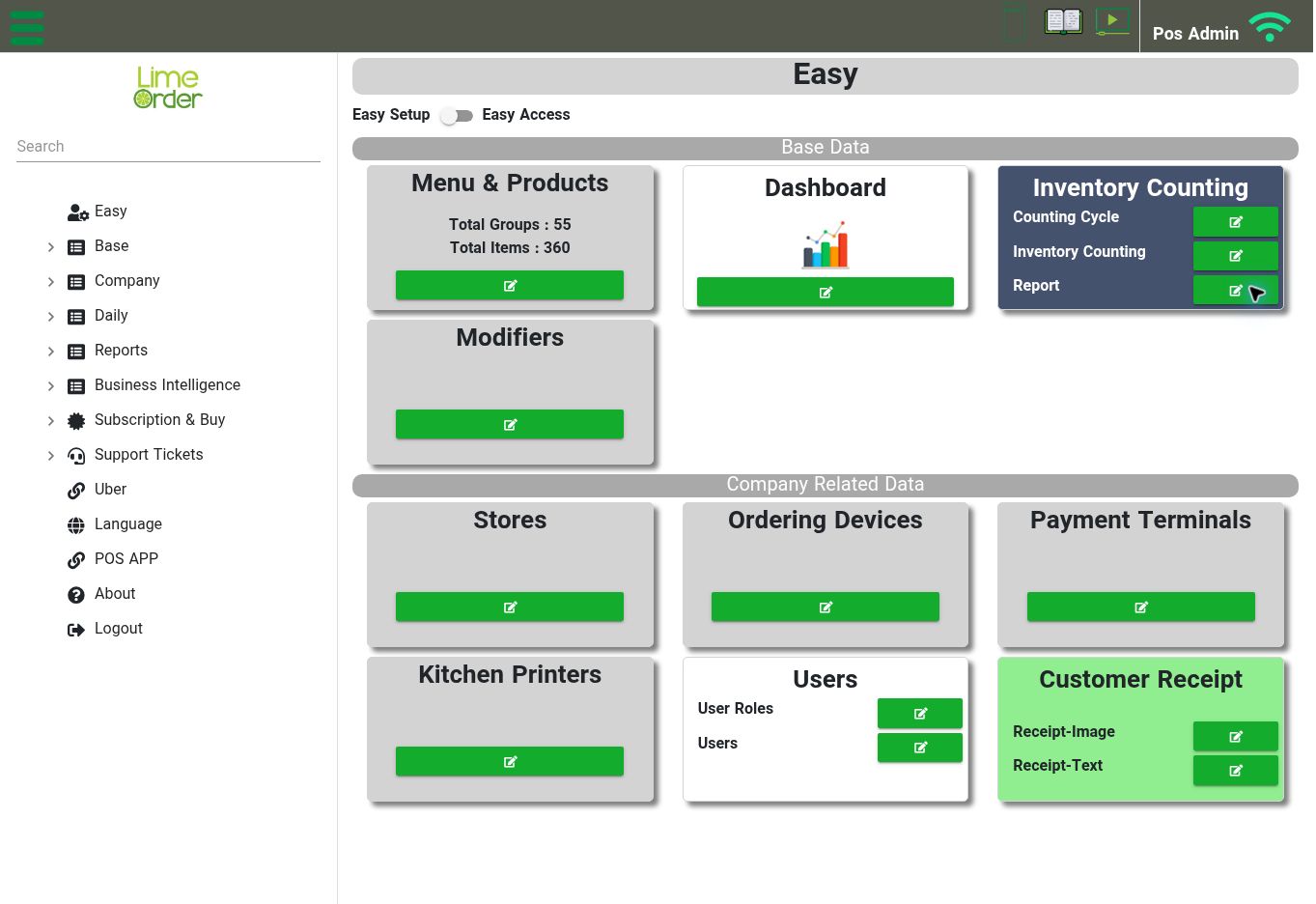
Find chat in the top bar and Support Tickets in the sidebar when you need help. View full-size screenshot
| Issue | What to check |
|---|---|
| Cannot sign in | Confirm the account’s email address and use Forget Password ? if needed. Ask your administrator to review the assigned role’s Login to POS Admin permission. |
| A menu or action is unavailable | Review the user’s role and location access. Available options can depend on account configuration. |
| An item is missing from the ordering menu | Find the item in its group, review Hide From Ordering Menu, and confirm that you saved the intended item. |
| An item is unavailable online | Review Available For Online Ordering in the item’s General tab and check your online-ordering configuration. |
| The POS offers the wrong price | Compare the item’s Price tab with POS Settings → Price To Offer In Order. |
| Modifier choices are missing | Check the choices inside the modifier group and the Modifier Groups attached to the product. |
| A kitchen item goes to the wrong destination | Review the product’s Kitchen Printer/KDS selection, the kitchen printer record, and the physical device configuration. |
| A promotion does not apply | Check Disable, date/time ranges, weekdays, store, customer restrictions, and the difference between selecting Items and Item Groups. |
| Receipt details are incorrect | Check the selected store’s details and Receipt-Text configuration, then save and check a sample receipt. |
| A report is empty | Review the filters and select Report. Check whether the report should use a shift or the Non Shift option. |
| Inventory count actions are disabled | Complete Stock, Counting Cycle, and Counting Serie selections. |
Use chat in the top bar or the Support Tickets sidebar section for help. Include the screen name, store/device involved, what you expected, and what happened. Share screenshots of the issue without passwords, PINs, payment details, or private customer information.