

Table of Contents
Retail POS — Start Here #
Begin with the Common POS guide for invoicing, items, quantities, customers, discounts, payment, invoice correction, shifts, attendance, reports, and device settings. Shared procedures are documented once so the same steps remain easy to find across retail, restaurant, and salon.
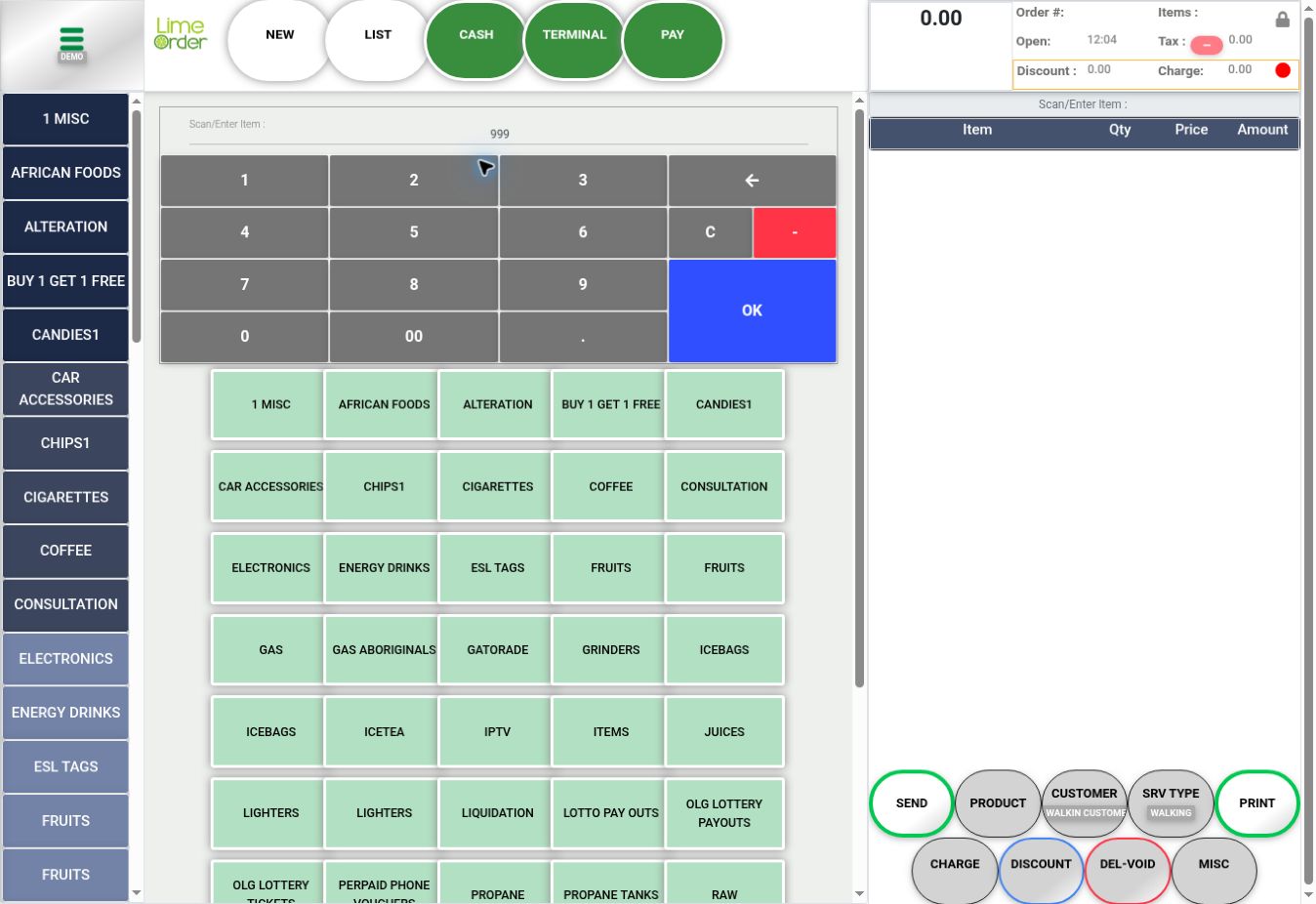
Shared procedures used in retail #
Navigation and invoices #
- Open the Side Menu and Home
- Start and Review an Invoice
- Add Items by Barcode or Product Search
- Change an Item Quantity
- Delete an Item from an Invoice
- Change an Item Price
- Add a Note to an Item
- Open the Invoice List and Change Filters
Customers #
Discounts and payments #
- Apply an Invoice Discount
- Apply an Invoice Surcharge
- Open PAY and Record a Payment
- Delete a Recorded Payment
- Delete an Invoice After Removing Its Payments
- Order Details and Receipt Tools
- Find an Invoice for a Sales Return
Daily operations and reports #
- Open a Shift
- Close a Shift
- Clock In
- Clock Out
- Run an End of Day Report
- Dashboard and Accounting Report
Configuration and stock #
Retail configuration #
Retail product buttons, barcodes, prices, tenders, scale setup, receipt printers, and customer-display hardware depend on your store’s configuration. Use the Common POS device-settings and inventory guides, and the POS Admin documentation for catalog and back-office configuration.